Themes
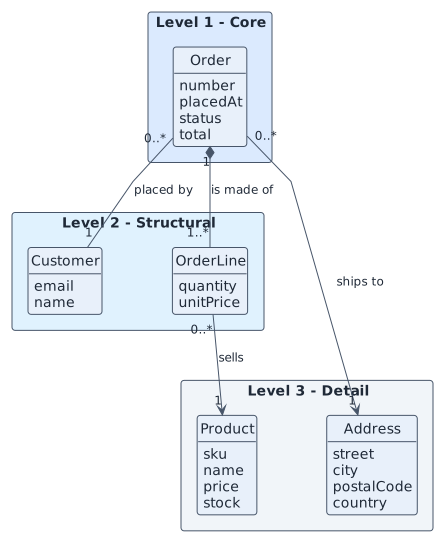
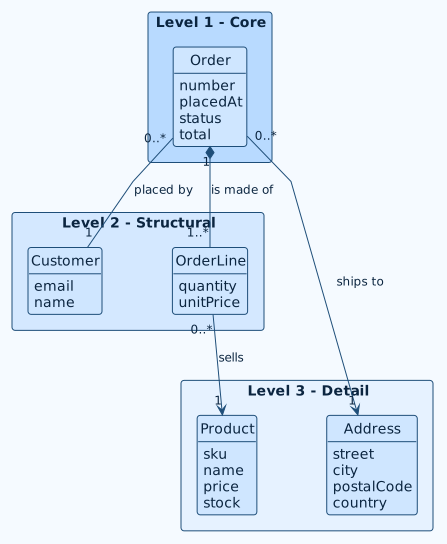
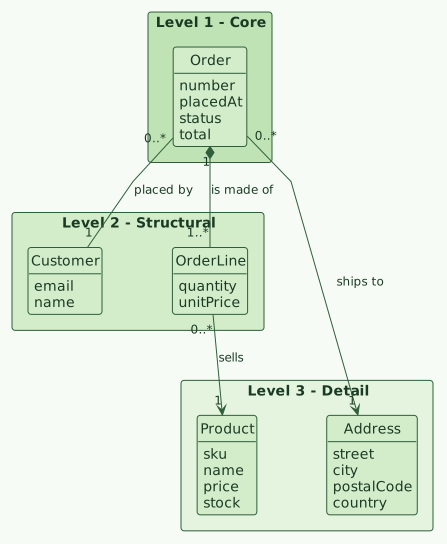
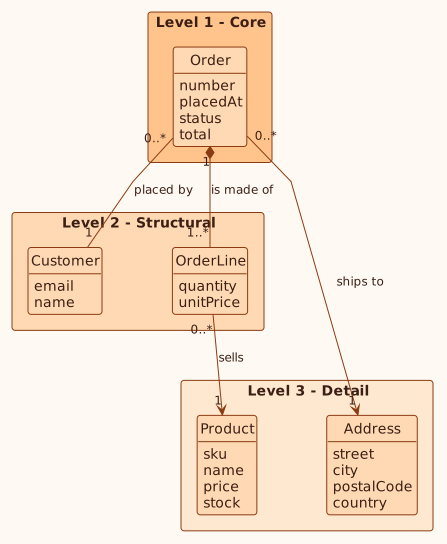
Diagram sources never carry colors. Pro applies the look when it draws, so the sources
stay clean and one change restyles everything. Changing the palette redraws every
diagram on the next render.
The palettes
| Preset | Character |
|---|---|
default |
Neutral blue-gray on white; safe for any document |
ocean |
Blues and teals |
forest |
Greens, calm and low contrast |
sunset |
Warm oranges and reds |
grape |
Purples |
mono |
Grayscale; prints well in black and white |
dark |
Dark background, light lines |
high-contrast |
Black on white and yellow, for accessibility |
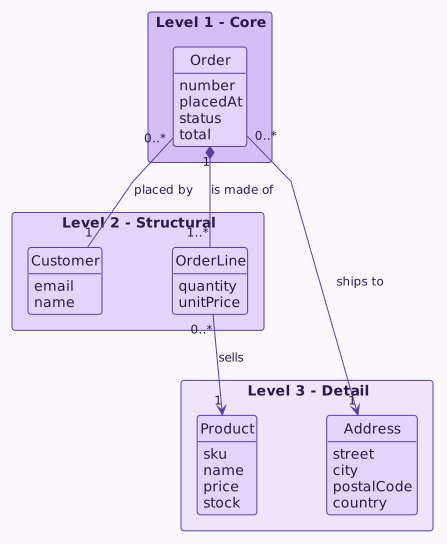
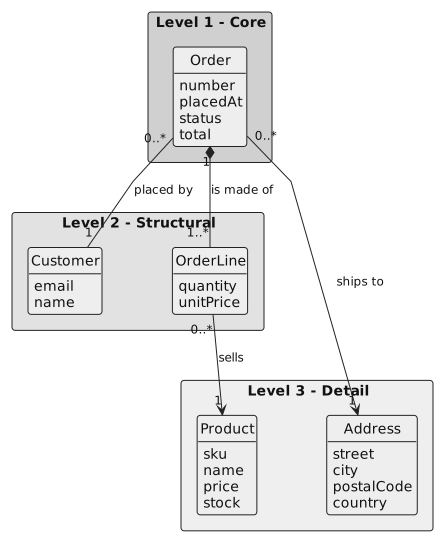
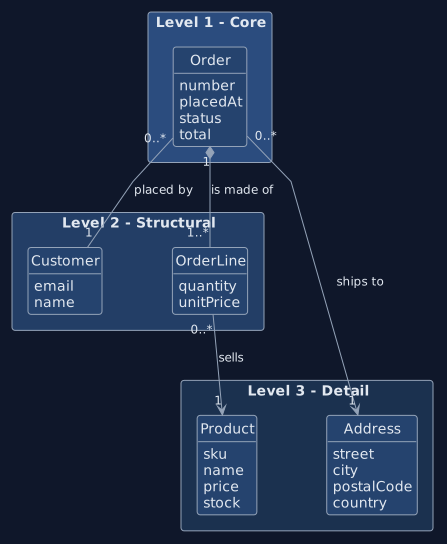
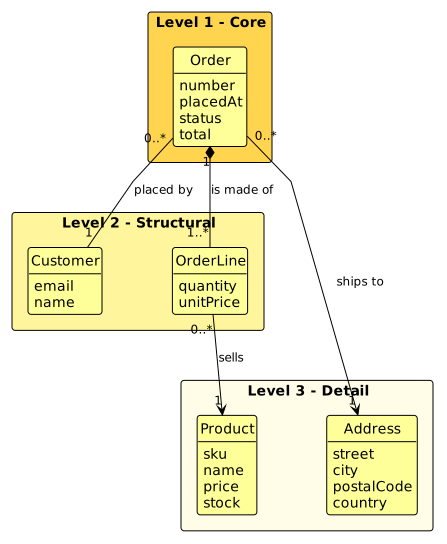
Choosing
Or in rup.config.json:
Your own colors
Override single colors on top of a preset, in the configuration or with a flag:
| Color | What it paints |
|---|---|
background |
Page of the diagram |
text |
Text |
line |
Lines and arrows |
border |
Borders of boxes |
primary |
Boxes |
secondary |
Groups and packages |
accent |
Highlights |
note |
Notes |
levels |
Exactly four colors, one per domain-model level |
Colors must be #RRGGBB; a wrong value or a wrong number of levels stops the render
with a message.
Fonts and shape
| Setting | Flag | Default |
|---|---|---|
theme.font |
--font |
A sans-serif stack |
theme.fontSize |
--font-size |
14 |
theme.roundCorner |
none | 6 |
Rules for sources
- Never write colors,
skinparamcolor lines, init blocks orclassDefcolors into a diagram to style it: that overrides the palette. - In the domain model, each level package is tagged
<<level1>>to<<level4>>in PlantUML (:::level1in Mermaid) and the renderer colors it fromlevels. - Stereotypes such as
<<boundary>>,<<control>>and<<entity>>are content and stay. - Wireframes are PlantUML salt layouts and are not themed.
Related
Mermaid and PNG previews · The interactive explorer · Configuration