The interactive explorer
RUP explore, or RUP render --outputs svg,html, writes explorer.html in the
documentation directory: one file with every rendered diagram of the project and the
documents next to them. It needs no server and loads nothing from the network, so it
opens from the file system and can be attached to an email or a ticket.
Overview
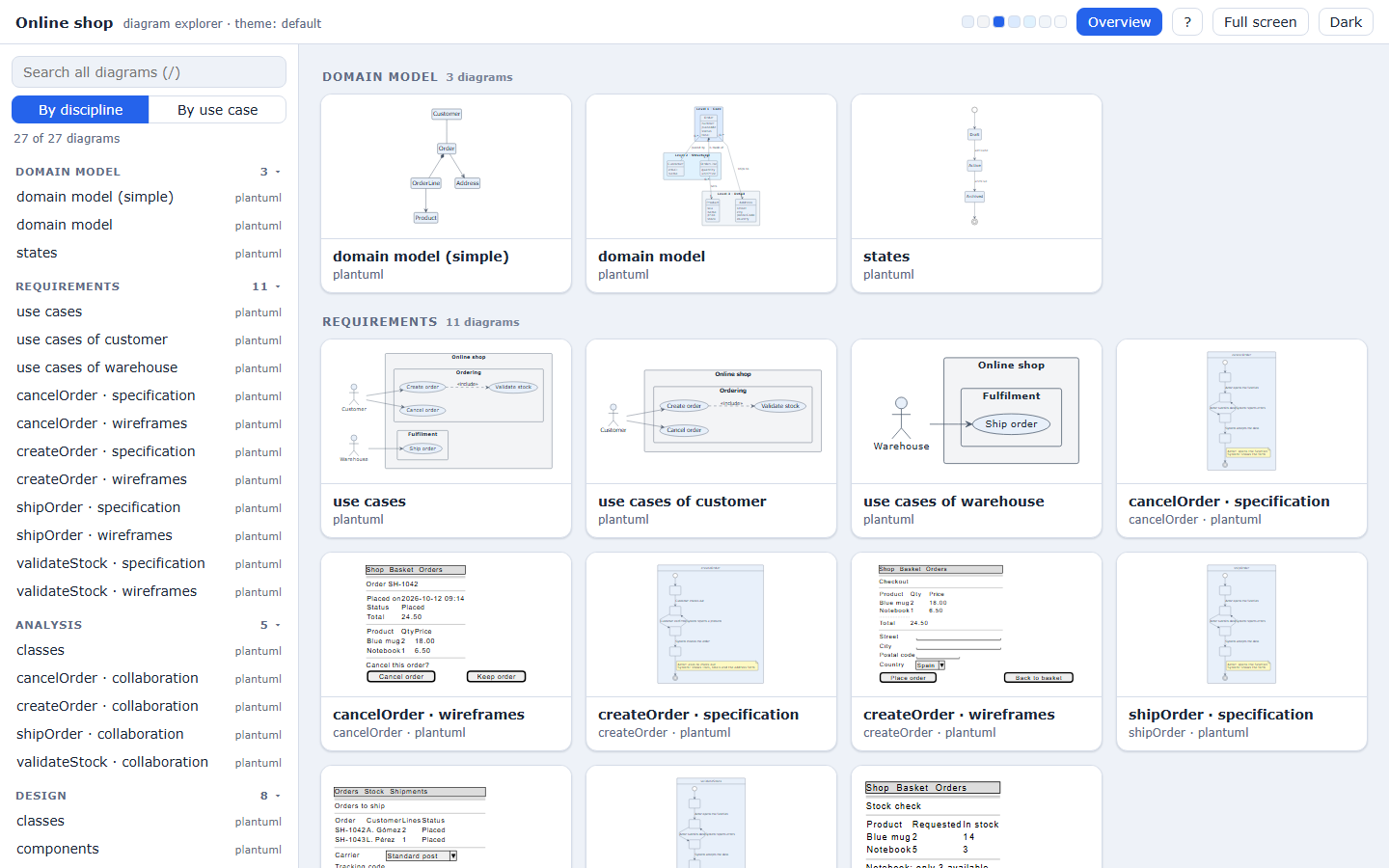
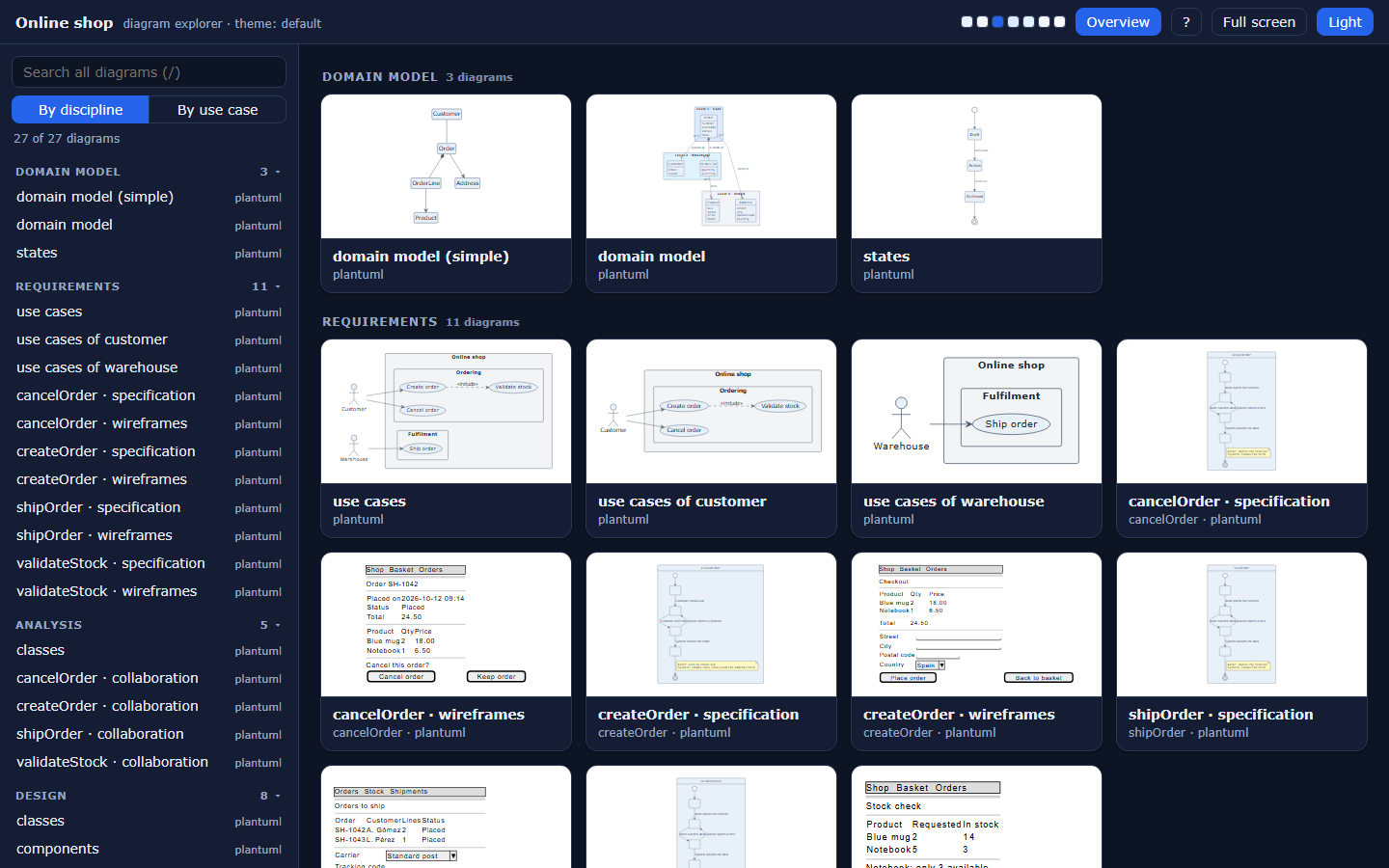
It opens on an overview: a thumbnail of every diagram, grouped by discipline or by use case. Search narrows the grid; a click opens the diagram.
Trace relations
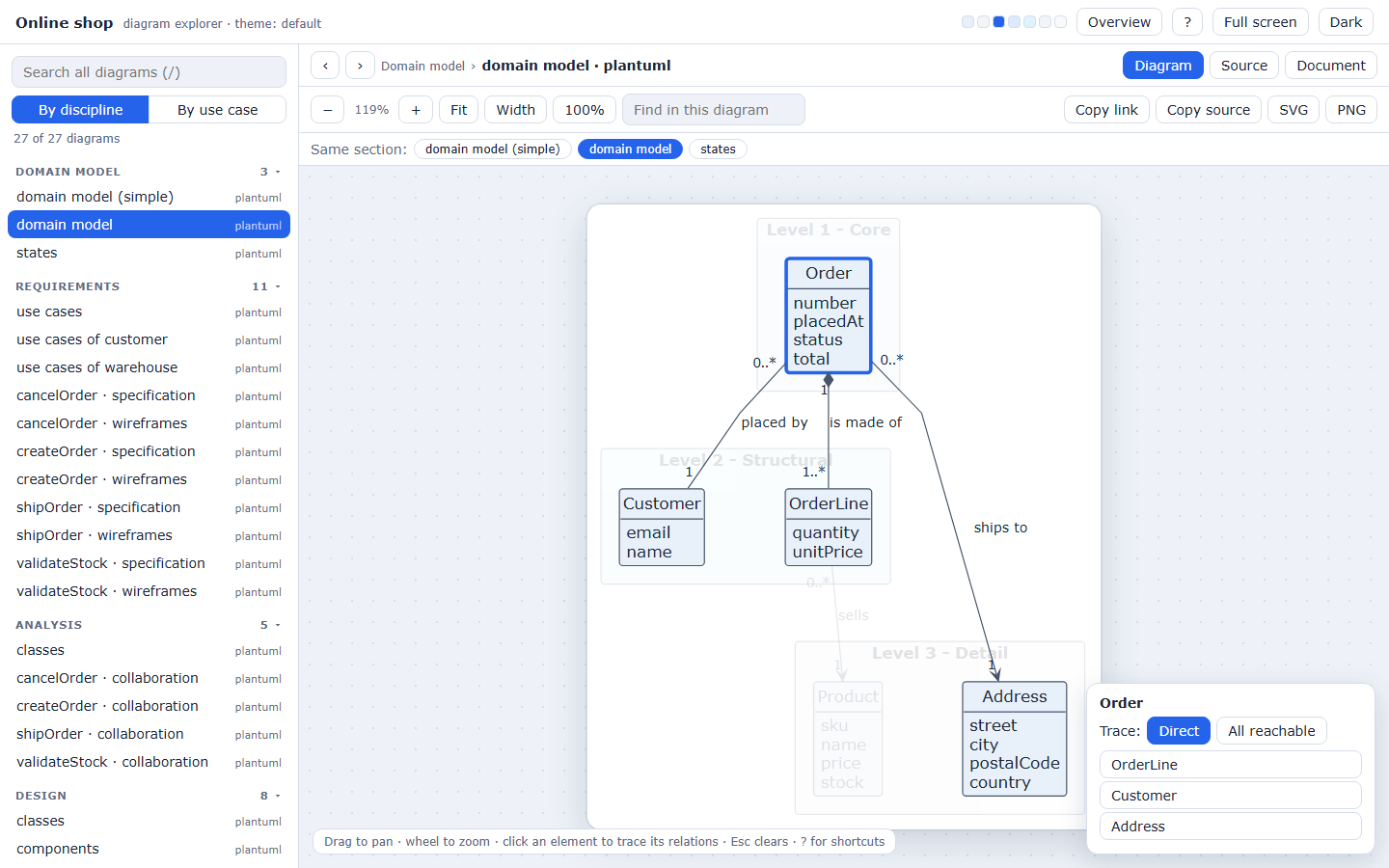
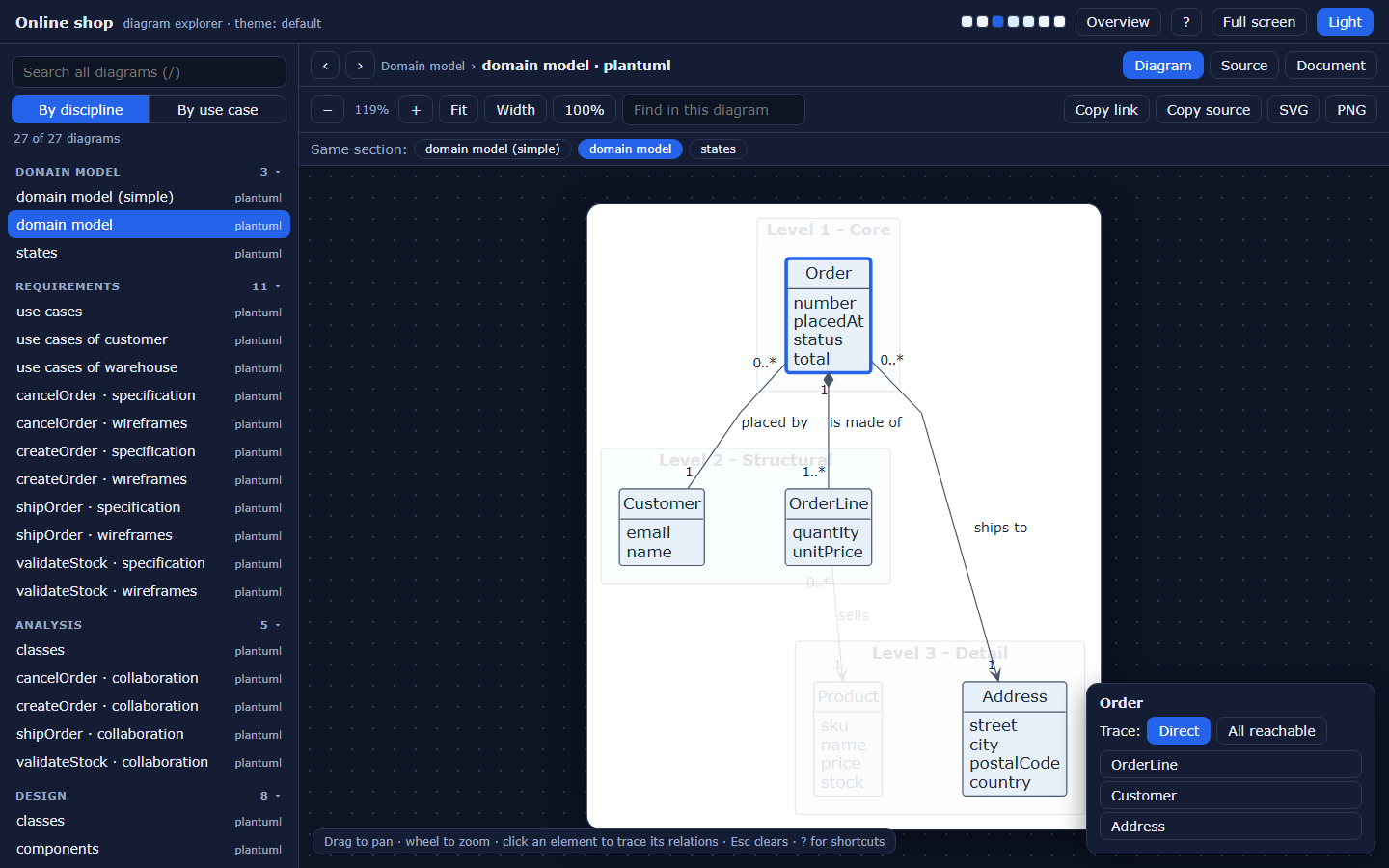
Click an element to highlight what it is connected to and dim the rest. Choose how far to go, direct relations or everything reachable, in the panel, which also lists the related elements and jumps to each one.
What else it does
| Feature | Detail |
|---|---|
| Fit to window | Every diagram opens fitted and centered; f fits, w fits the width, 0 is actual size |
| Pan and zoom | Drag to pan, wheel to zoom, with the zoom level on screen |
| Global search | Searches the text of every diagram; results are counted per diagram |
| Find in diagram | Highlights matches and dims the rest |
| Grouping | By discipline or by use case |
| Siblings | Chips jump between the diagrams of the same use case or section |
| Source | The PlantUML or Mermaid source of the diagram, with a copy button |
| Document | The Markdown card that sits next to the diagram, with links that open other documents and diagrams inside the explorer |
| Export | The current diagram as SVG or as a 2x PNG |
| Deep links | Copy a link to the exact view: diagram, tab, selected element, search and mode |
| Light and dark | Follows the system mode and remembers your choice; diagrams stay on a white sheet in both |
| Full screen and print | Full screen button; printing hides the chrome |
Keyboard
| Key | Action |
|---|---|
/ |
Search all diagrams |
h |
Overview |
j → / k ← |
Next and previous diagram |
f w 0 |
Fit, fit width, actual size |
+ - |
Zoom |
1 2 3 |
Diagram, source, document |
d |
Dark page |
Esc |
Clear the selection, the search and the help |
? |
Show the shortcuts |
Safety
The page has a content security policy that blocks every external load. Diagrams and documents are inserted as nodes, never as raw HTML, so a document cannot run script.